Theme PackThemed World Kits200x200
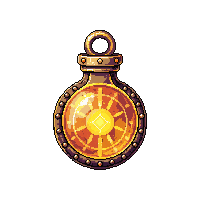
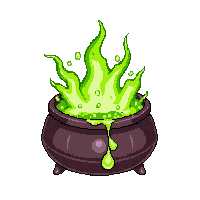
Pixel Art Potions — 100 Sprites
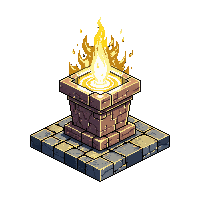
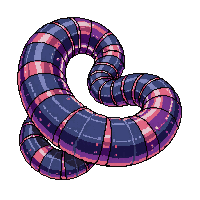
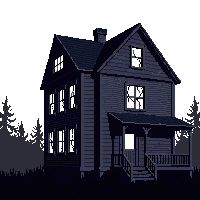
100 pixel art potions sprites — transparent PNGs for any game engine.
Ready-to-use game assets
Free & commercial-ready
What's Included
This collection includes 100 high-quality pixel art sprites, each available as a transparent PNG file ready for immediate use in your game project. Every asset has been quality-checked for clean pixel work, consistent style, and practical usability in real game scenarios.
Compatible with all major game engines including Unity, Godot, RPG Maker, and GameMaker Studio. Simply drag and drop the PNG files into your project — no background removal or format conversion needed.
All assets in this pack are free for personal and commercial use — no attribution required. Use them in Steam releases, mobile games, game jams, prototypes, tutorials, or any creative project.
How to Use This Pack
Unity
Import PNGs into your Assets folder. Set Texture Type to Sprite, Filter Mode to Point, and Compression to None for crisp pixel art rendering.
Godot
Drag PNGs into your project folder. Set Import filter to Nearest in the Import tab to keep pixels sharp. Use AnimatedSprite2D for animations.
RPG Maker
Place assets in the appropriate img/ subfolder (characters, tilesets, etc). Resize as needed to match your project's tile dimensions.
GameMaker
Import as Sprites via the resource tree. Disable interpolation in Game Options for pixel-perfect display at all resolutions.
Loading assets...